Pirate Jam 15
July 2024
Complete
Play Greatest Shinobi
Unity Engine
Project Manager, Lead Gameplay Programmer, Designer
5
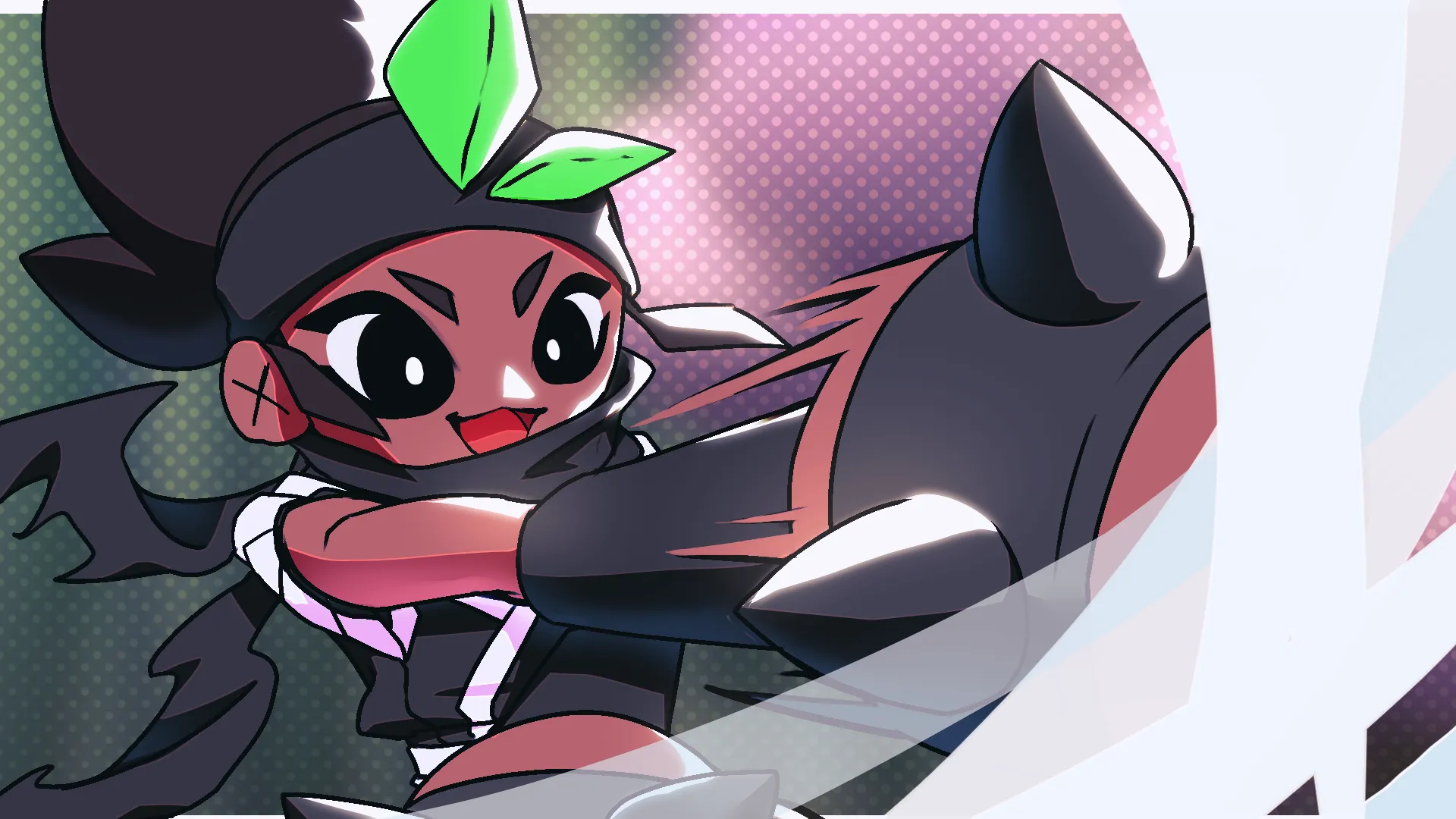
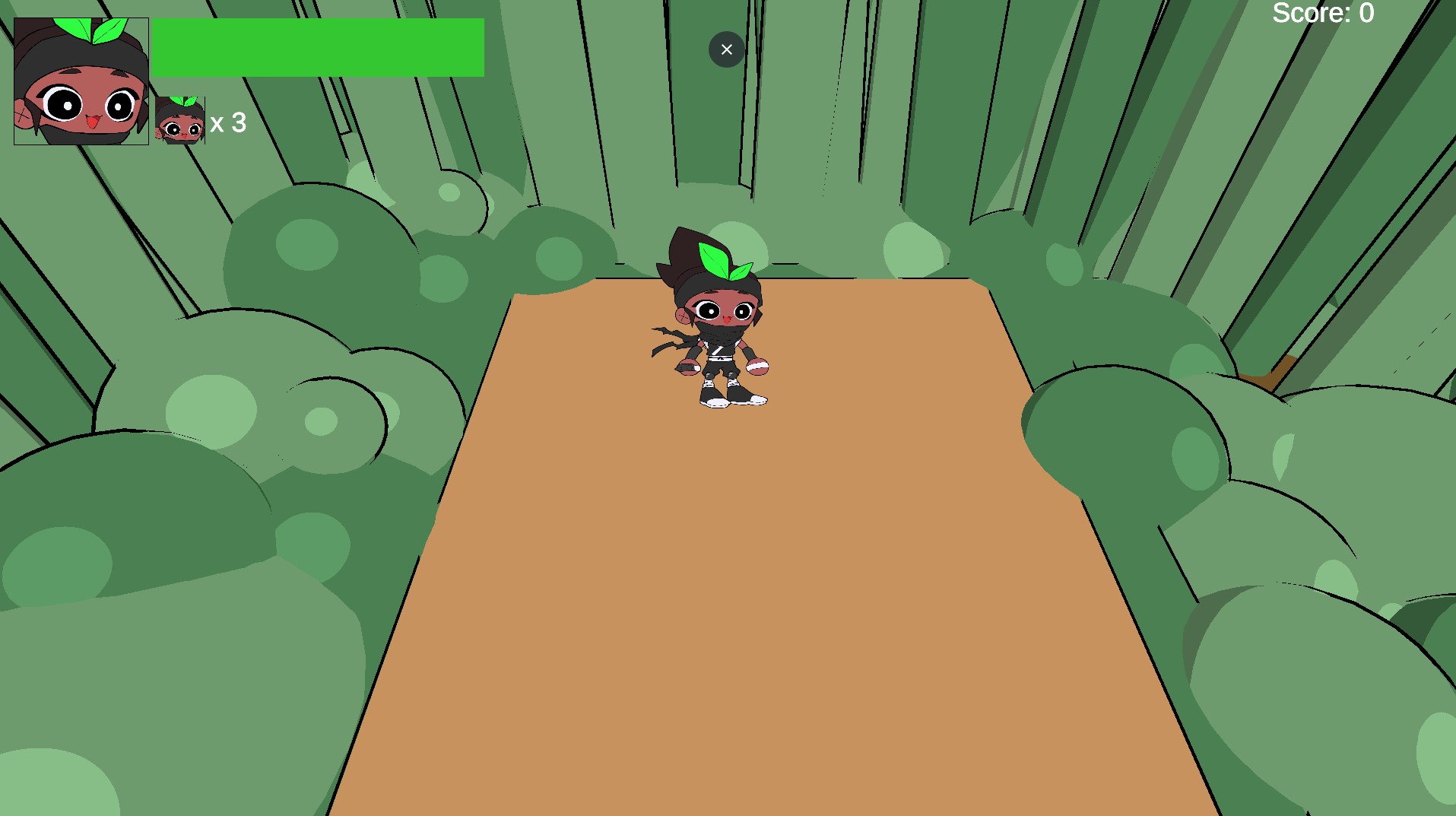
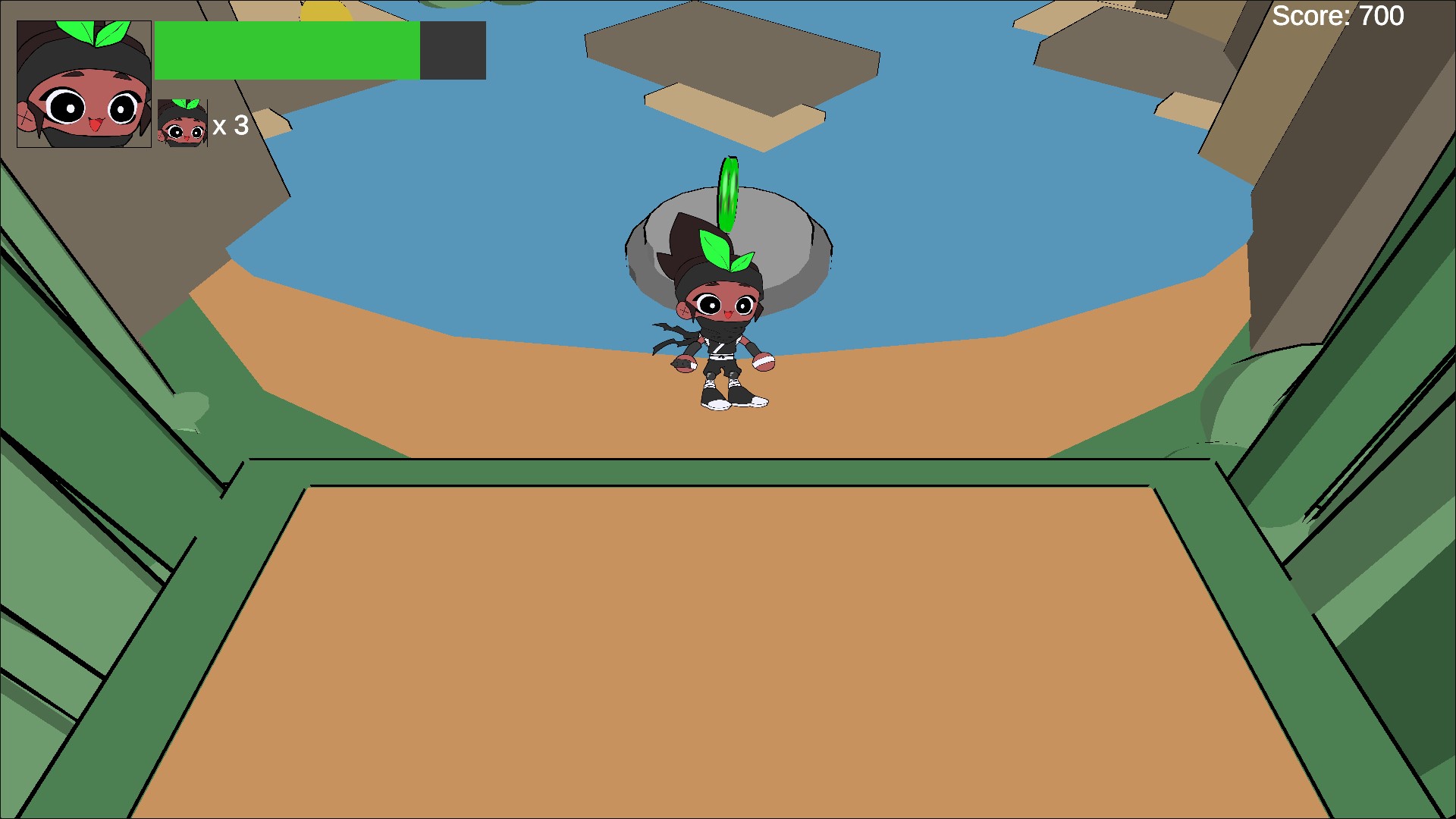
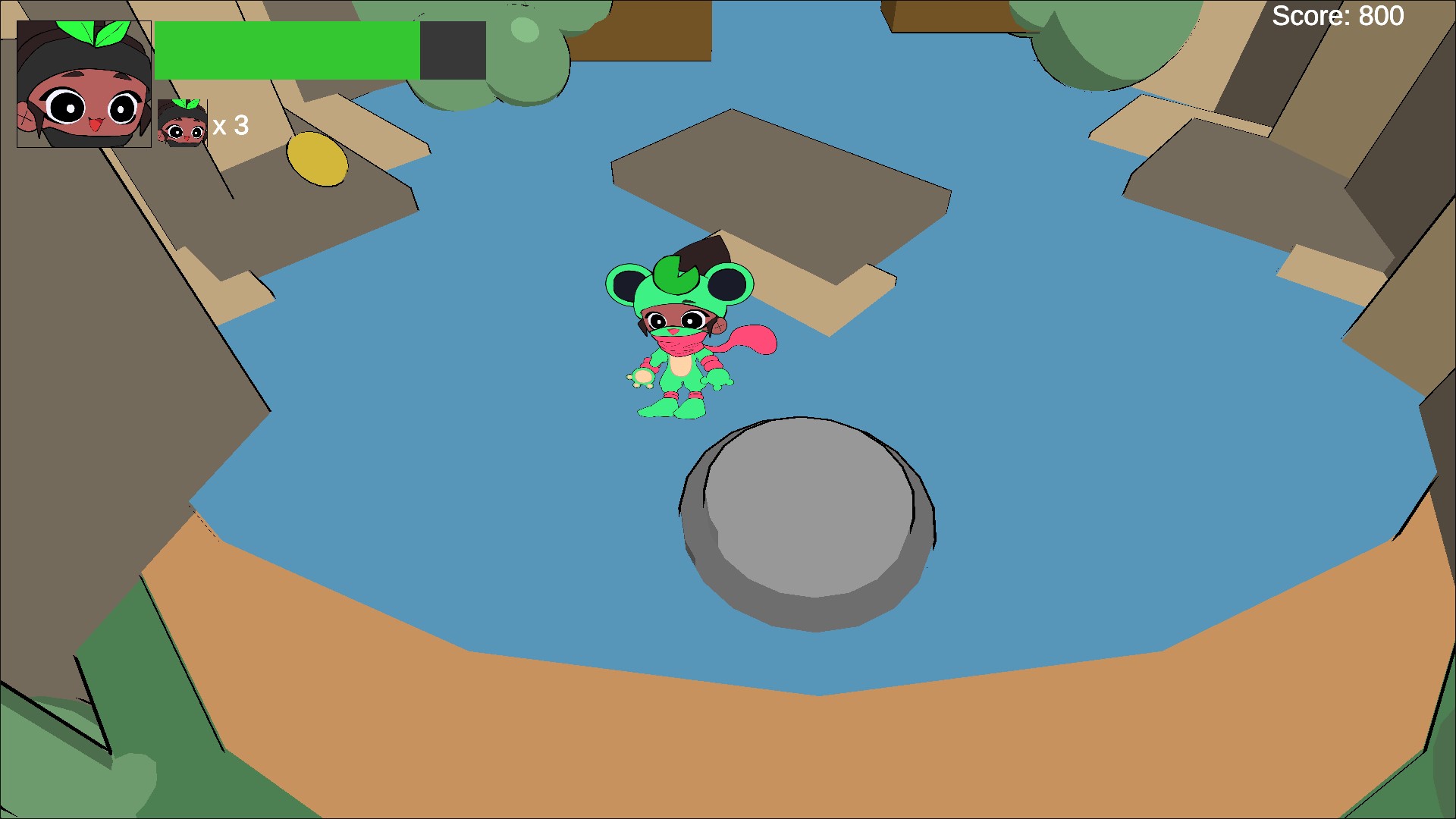
A 2.5D platformer where you transform into a frog to sneak, hop, and slap your way to becoming the greatest shinobi.
Play in Browser
Introduction
Greatest Shinobi was built in about two weeks for Pirate Jam 15 with a team of five. The pitch was simple: a 2.5D platformer where you play as an aspiring shinobi who can transform into a frog, trading combat strength for mobility and stealth to make your way through each level.
As lead gameplay programmer, I handled the core systems that made the concept work: player and enemy movement, combat, enemy AI, camera setup, animation controllers, and the frog transformation system itself.
Frog Transformation System
The transformation is the game's central gimmick, so I built a single FormManager to act as the source of truth for which form the player is in. Every frame it pushes the current form into the Animator via a Frog bool and enables or disables the SlapAttack component accordingly — frog form is built around agility and evasion, not combat, so attacking is locked out while transformed.
Transforming is triggered by pickups in the world: a FrogCoin switches the player into frog form on contact, while a normal-form pickup (GoobForm) switches them back. Both use the same trigger-collider pattern — check for the player's tag, flip the shared isfrog flag on FormManager, and destroy the pickup — which kept the system easy to place and tune throughout the level design pass.
public class FormManager : MonoBehaviour
{
    public bool isfrog = false;
    public Animator animator;
    public SlapAttack attack;
    public PlayerMove move;

    void Update()
    {
        animator.SetBool("Frog", isfrog);
        attack.enabled = !isfrog;
    }
}

// FrogCoin.cs - pickup that flips the player into frog form
private void OnTriggerEnter(Collider other)
{
    if (other.CompareTag("Player"))
    {
        PlayerProps player = other.gameObject.GetComponent<PlayerProps>();
        if (player != null)
        {
            formManager.isfrog = true; // Become a Frog
        }

        Destroy(gameObject);
    }
}
Combat & Enemy AI
Combat is a melee hitbox system: SlapAttack listens for the attack input, plays the Hit animation, and sweeps an OverlapSphere at an attack point to find anything on the enemy layer, dealing damage to each hit.
Enemies are defined with a data-driven approach — an EnemyInfo ScriptableObject holds health, move speed, and attack damage per enemy type, so new enemies could be authored as assets without touching code. Aggro is handled by pairing a trigger volume (ChaseTrigger) with a NavMeshAgent-driven EnemyChase: entering the trigger starts the chase and exiting stops it, while the chase logic manually faces the enemy toward the player and flips its sprite based on movement direction.
void Attack()
{
    Collider[] hitEnemies = Physics.OverlapSphere(attackPoint.position, attackRange, enemyLayers);
    animator.Play("Hit");

    foreach (Collider enemy in hitEnemies)
    {
        enemy.GetComponent<Enemy>().TakeDamage(attackDamage);
    }
}

// ChaseTrigger.cs - hands control of aggro state to nearby enemies
private void OnTriggerStay(Collider other)
{
    if (other.CompareTag("Player"))
        enemyChase.StartChase();
}

private void OnTriggerExit(Collider other)
{
    if (other.CompareTag("Player"))
        enemyChase.StopChase();
}
Camera Setup
Levels use a Cinemachine virtual camera that automatically finds and follows whichever GameObject is tagged Player at runtime. Wiring the Follow target this way instead of hand-assigning it per scene meant any level could drop the camera rig in and have it work immediately — useful for a jam where levels were being built and iterated on in parallel by multiple people.
void Start()
{
    cinemachineCamera = GetComponent<CinemachineVirtualCamera>();
    GameObject player = GameObject.FindGameObjectWithTag("Player");
    if (player != null)
    {
        cinemachineCamera.Follow = player.transform;
    }
}
Animation Controller
The player's Animator is a mirrored state machine: every human-form state (Idle, Run, Jump, Victory) has a frog-form counterpart (FrogIdle, FrogRun, FrogJump, FrogVictory), plus dedicated Transform Frog and Transform Boy states to handle the swap itself, and a Hit state layered in for combat feedback.
All of it is driven by just three parameters — Speed and Jumping from PlayerMove, and Frog from FormManager — which kept the movement, combat, and transformation systems fully decoupled from the animation logic while still staying in sync.