Pirate Jam 18 · Post-Jam Demo
Jan 2026 – Present
In Development
Play Crystal's Debut Demo
Unity Engine
Project Manager, Lead Programmer, Lead Game Designer
5
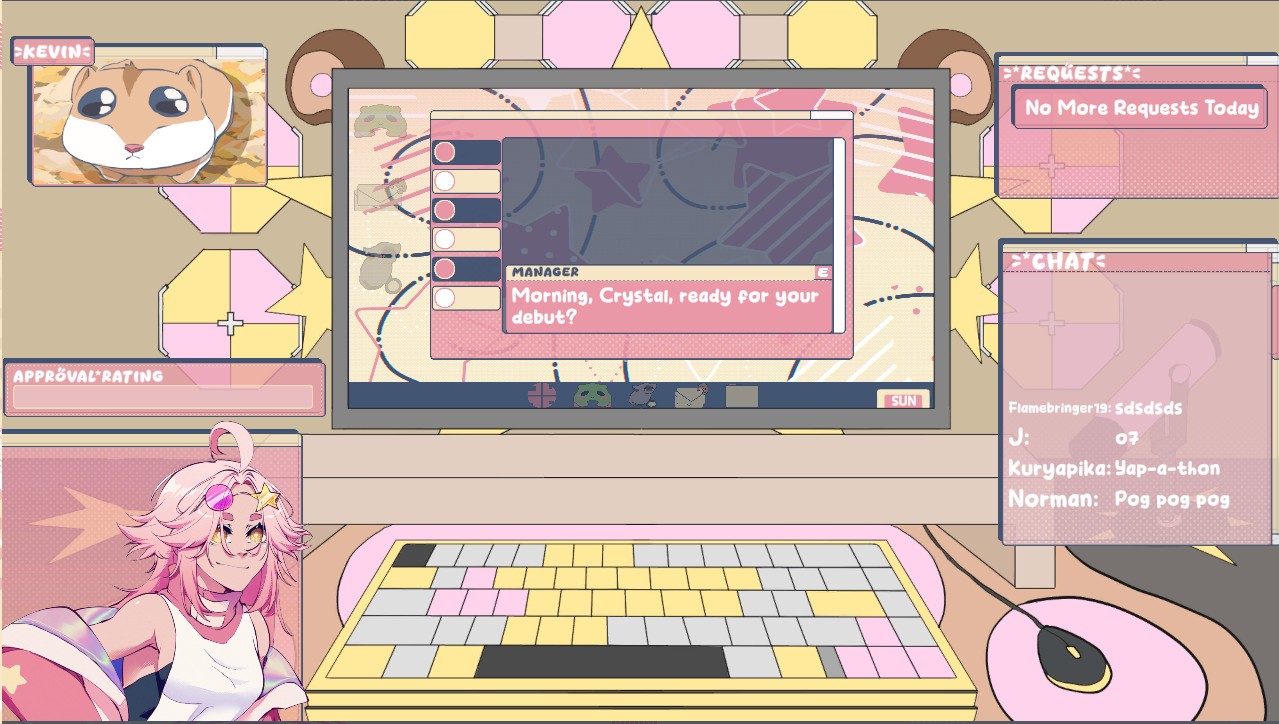
You play as Crystal, a newly hired streamer, working through chat's requests in real time to keep your audience devoted. Requests play out on Crystal's in-game computer — minigames, apps, messages from contacts, and messing with her pet gerbil Kevin — while something stranger stirs underneath the stream.

Download & Play
Introduction
Crystal's Debut was developed for Pirate Jam 18, drawing inspiration from Needy Streamer Overload and a shared passion for VTuber culture. The project blends charming minigames and endearing characters with an undercurrent of corporate pressure and eldritch interference — a deliberate contrast that gives the game its tone.
The goal was to create something mechanically approachable but narratively layered, where every viewer request feels consequential and Crystal's world slowly reveals itself to be stranger than it first appears.
After winning the jam, we kept going. The jam prototype grew into a fuller demo: a working desktop with its own programs, a contacts-and-messaging app, three more minigames, a tutorial, save/load, adaptive audio through FMOD, and the Devotion system that now drives the stream.
Designing the Stream: Requests and Devotion
Every request is authored as data, not code: a RequestData asset holds the viewer's name, a time limit, its rewards (viewers, points, subscribers, Devotion), the Devotion lost if it expires, and the dialogue nodes to play when it starts, completes, or runs out.
The design tool I'm happiest with is the conflicting request. A request can name a rival request, and finishing one fails the other. Two viewers can ask for opposite things at the same time, and there's no way to please both — the player has to decide whose devotion matters more.
// Inside FinalizeRequest(), after the rewards are paid out
if (request.Data.ConflictingRequest != null)
{
    _requestsById.TryGetValue(request.Data.ConflictingRequest.RequestID, out var conflicting);

    if (conflicting != null && conflicting.Status == RequestStatus.Active)
        FinalizeRequest(conflicting, RequestStatus.Failed);
}
Devotion is the stream's health. It climbs through five tiers — Indifferent, Interested, Invested, Devoted, and Fanatical — but how high it can go in a single stream is capped by a longer-term karma value that carries across streams. One great stream can't make an audience Fanatical; that takes trust built up over time, so the player's past choices keep mattering.
Dialogue & Request System — Yarn Spinner 3
To handle Crystal's chat requests and main dialogue, I integrated Yarn Spinner 3 — a narrative scripting tool built for Unity that allows dialogue to be written in a clean, readable format and driven at runtime without hardcoding conversation logic into C#.
The primary challenge was learning Yarn Spinner's node and command architecture from scratch and designing a system where dialogue could trigger game actions seamlessly. To bridge the gap between narrative and gameplay, I wrote a suite of custom C# commands registered with Yarn Spinner's command dispatcher. These commands allowed Yarn scripts to directly invoke request logic — launching minigames, updating the approval meter, and interacting with in-game objects — without any manual intervention from other systems.
This approach kept all request sequencing and branching inside the Yarn scripts themselves, making it straightforward to add, reorder, or adjust requests without touching the underlying C# codebase.
By the demo, that command layer had grown to 19 custom commands, and the Yarn scripts direct almost the whole game: starting the stream and its requests (start_stream, start_request, complete_request), moving Devotion (add_devotion, lose_devotion), opening programs on the desktop (open_program), unlocking contacts (unlock_contact), cueing music and sound (play_bgm, play_sfx), and walking new players through the interface with a tutorial pointer (show_pointer, wait_for_pointer).
A key design challenge was distinguishing between Crystal's main dialogue and messages
delivered through her in-game messaging app. Rather than building a separate system,
I extended the existing Yarn Spinner integration by tagging specific lines with
#message directly in the Yarn scripts. A custom dialogue presenter listens
for this tag at runtime and routes those lines into the messaging app UI instead of the
standard dialogue display — keeping all conversation logic in one place while allowing
the presentation layer to vary depending on context.
An In-Game Desktop
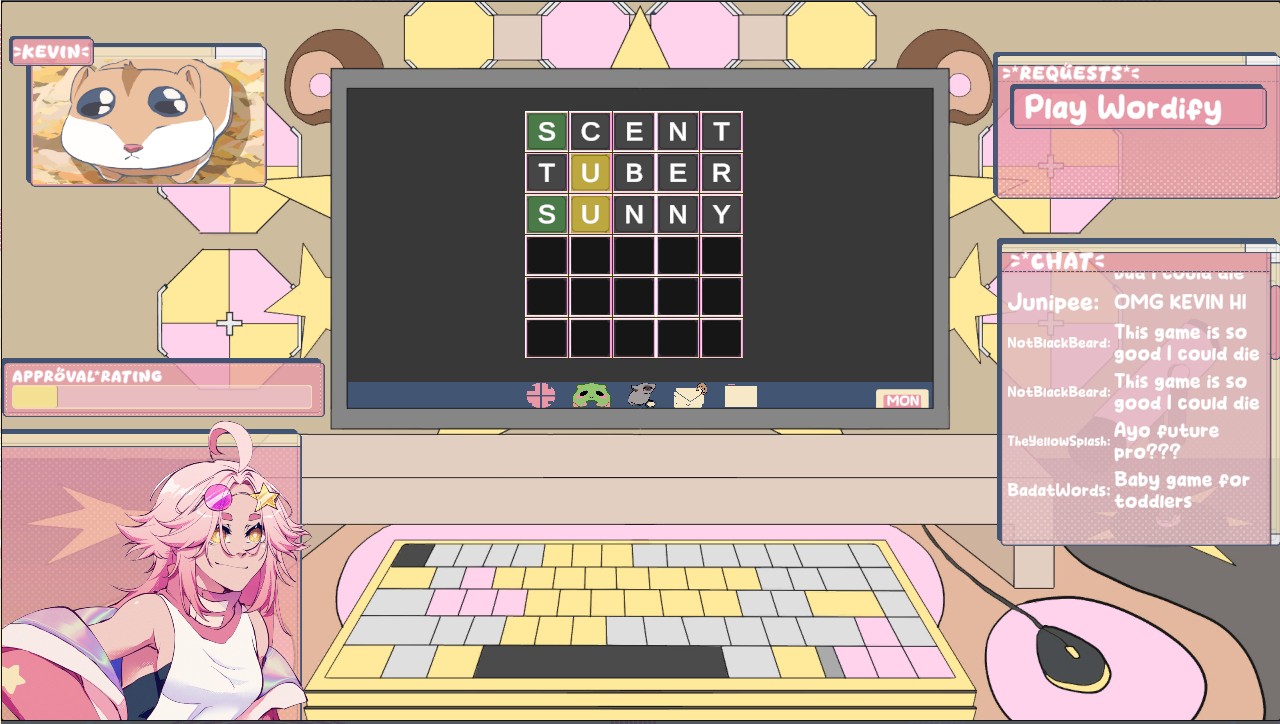
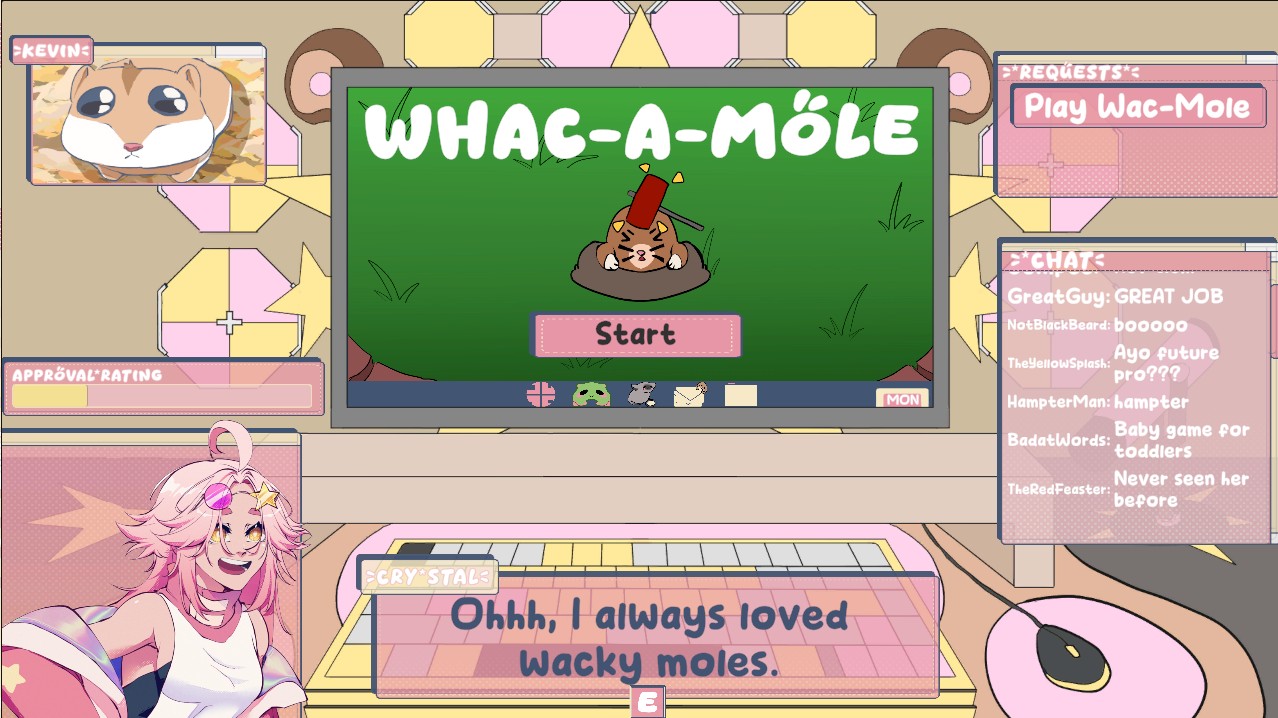
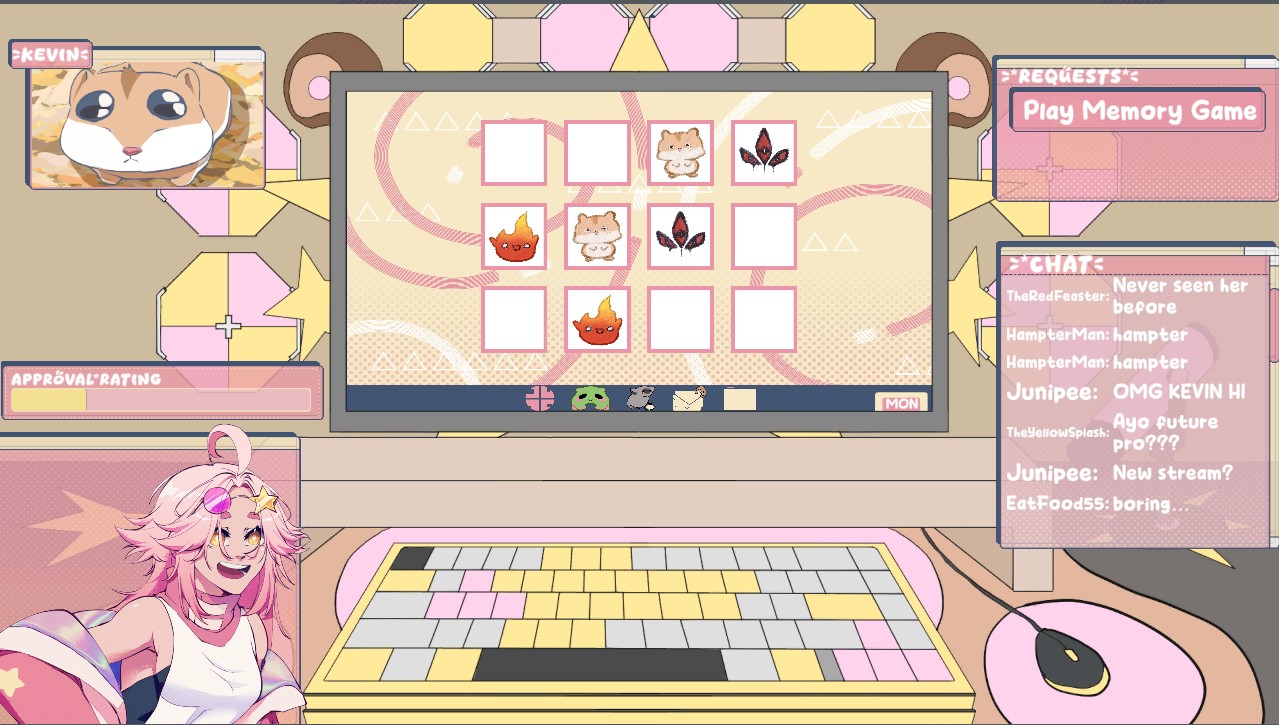
Most of the game happens on Crystal's computer, so it works like one: a start menu, a taskbar, desktop icons and folders, and programs that open in their own windows. Alongside the browser and Frogicord, her messaging app, the desktop hosts the game's minigames — Wordify, a Memory game, and Molewhac, a whac-a-mole built with teammate Damien. Programs can be opened by the player or by the script itself, so a request can put exactly the right window in front of the player at the right moment.
Wordle Minigame Breakdown
One of the minigames embedded in Crystal's Debut is Wordify, a fully functional Wordle clone with its own on-screen keyboard, playable directly on Crystal's in-game computer. The game pulls from two word lists loaded at runtime — a common solutions list and a broader valid words list — and selects a random target word each time the minigame is triggered.
The trickiest part of the implementation was the two-pass letter evaluation system in
OnRowSubmit(). A naive single-pass approach produces incorrect results when
the guess contains duplicate letters — for example, guessing "APPLE" when the answer is
"CRANE" could incorrectly mark both P's as wrong-spot rather than incorrect. To handle
this accurately, the evaluation runs in two passes. The first pass checks for exact
matches, marking any correct letters and removing them from a tracked
remaining string. The second pass then checks the leftover letters for
wrong-spot or incorrect states, consuming each match from remaining as it
goes. This ensures duplicate letters are accounted for precisely and never double-counted.
// Pass 1 — exact matches
for (int i = 0; i < row.tiles.Length; i++)
{
    WordleTile tile = row.tiles[i];

    if (tile.letter == targetWord[i])
    {
        tile.SetState(correctState);
        remaining = remaining.Remove(i, 1).Insert(i, " ");
    }
}

// Pass 2 — wrong spot or incorrect
for (int i = 0; i < row.tiles.Length; i++)
{
    WordleTile tile = row.tiles[i];

    if (tile.state == correctState) continue;

    if (remaining.Contains(tile.letter))
    {
        tile.SetState(wrongSpotState);
        int index = remaining.IndexOf(tile.letter);
        remaining = remaining.Remove(index, 1).Insert(index, " ");
    }
    else
    {
        tile.SetState(incorrectState);
    }
}
Tooling: The Debug Overlay
A game run by script and state needs a fast way to jump to any situation, so I built an in-game debug overlay the whole team could use. It shows the live stream (viewers, points, subscribers, Devotion and its tier), the installed programs, Yarn variables, every request and its status, and the player's contacts — and each section has controls to change them: start or end the stream, add or remove viewers and Devotion, open any program, and save or load the game. Testing a late-game request no longer meant replaying the whole stream to get there.